
Our Solutions
Connectivity & Integration
Get Even More from your Volumatic Devices
At Volumatic, we don’t just offer cash handling devices, we offer full cash management solutions, which can be tailored to your requirements and enhanced with intelligent connectivity and integration options.
We offer a range of intelligent software and integration options for many of our cash handling solutions to allow your business to monitor and manage your cash, giving you total visibility and full control of all cash transactions at till, store and enterprise levels. Take a look below at the options available to help you make the most of your Volumatic devices and make your life easier!
CCi Connectivity Options

1) CashView Enterprise
CashView Enterprise is our latest cash management software that provides you with intelligent dashboards and live notifications, giving you the ability to track your cash flow effectively and allowing you full visibility of the cash within your CCi devices across your store(s).
Our latest version of CashView Enterprise is further enhanced by our new apps, including:
CashView Balance – which provides a more streamlined reconciliation for your tills
CashView Connect – which provides web integration with other third-party apps, such as your bank, service partners or CiT provider

2) EPOS Integration
If required, as an alternative to using our CashView Enterprise cash management software, you can opt to fully integrate your CCi devices with your EPOS, back office or other cash reconciliation system.
Volumatic has lots of integration experience, working with many current EPOS system providers including TLM, CBE, Retalix and VME to ensure everything goes smoothly.
Volumatic can help arrange installation at a time to suit you to minimise any disruption. Contact our Sales team, who can advise if this is the right option for your business.
CountEasy Connectivity
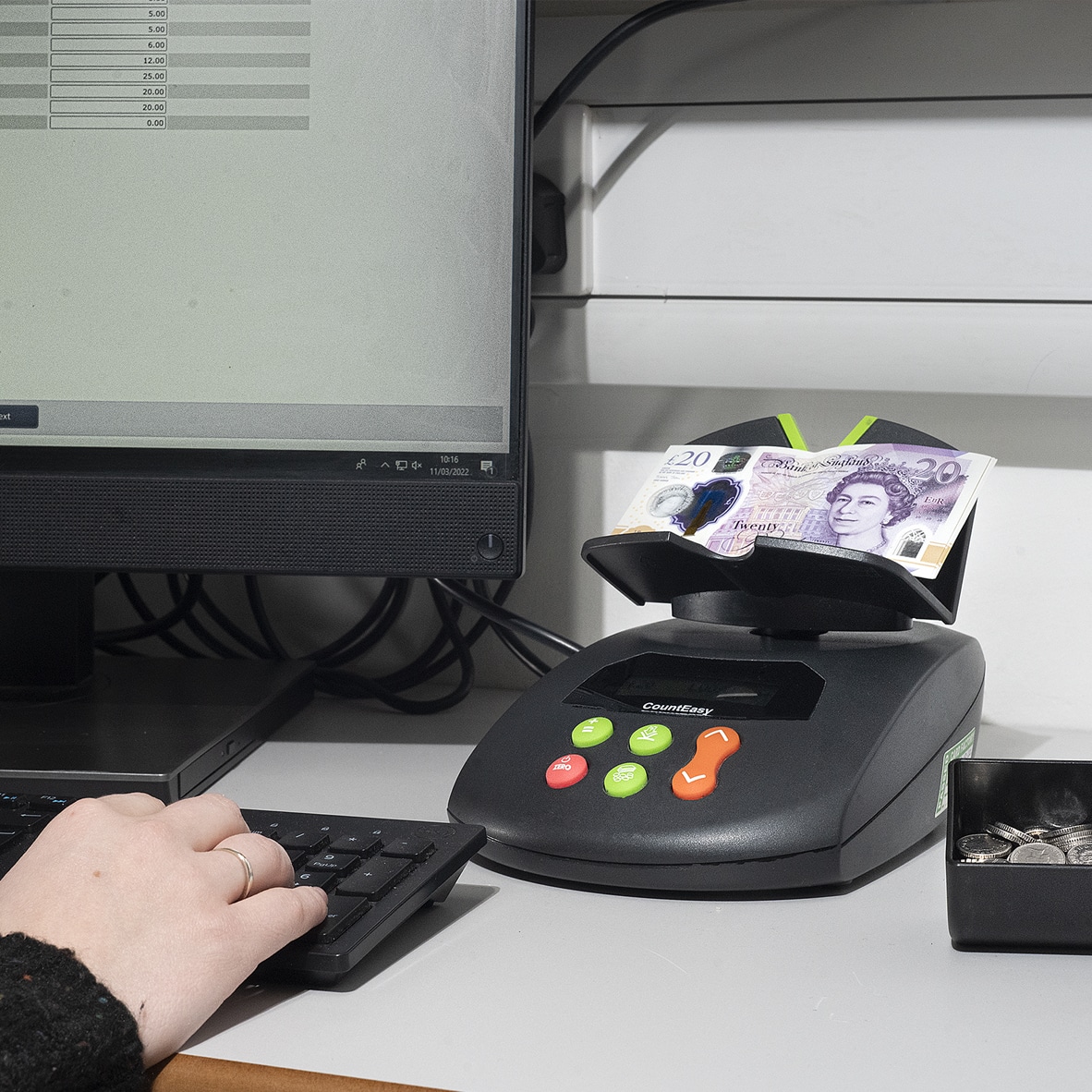
CountEasy Connect
You can easily download your daily count data from any CountEasy device (CountEasy, CountEasy IP, CountEasy TS or CountEasy TS IP) to an Excel spreadsheet or your own back office system by installing our CountEasy Connect software app and connecting your device to your (Windows) PC with our CountEasy Connect cable. If you have a CountEasy TS, you also have the option to connect via wi-fi.
The CountEasy Connect Cable can be used to transfer your count data to your PC and make your end-of-day count process quicker and easier and help with your weekly and monthly reporting. Simply plug one end into your CountEasy device, and another into your PC or laptop USB port and you can quickly transfer your count data, to help keep track of your daily counts.
Contact us to find out more about how to purchase the CountEasy app and CountEasy Connect cable.
FC300 Connectivity

Connecting your FC300 to a Screen or Printer
You can connect your FC300 friction note counter to a secondary screen to enlarge the visibility of your count data. This allows better visibility across a large office, for CCTV in your cash office or to customers at the POS should they need to see the count.
Your FC300 can also be connected to a mini printer to provide an audit trail of completed cash counts – the printout includes a signature box, meaning your staff can sign for completed counts, which offers improved accountability.
Contact us to find out more or to purchase a compatible screen or printer to work with your FC300 directly from Volumatic.
Whether you need help with cash handling or retail security, we’ve got the right solution to help your business thrive!